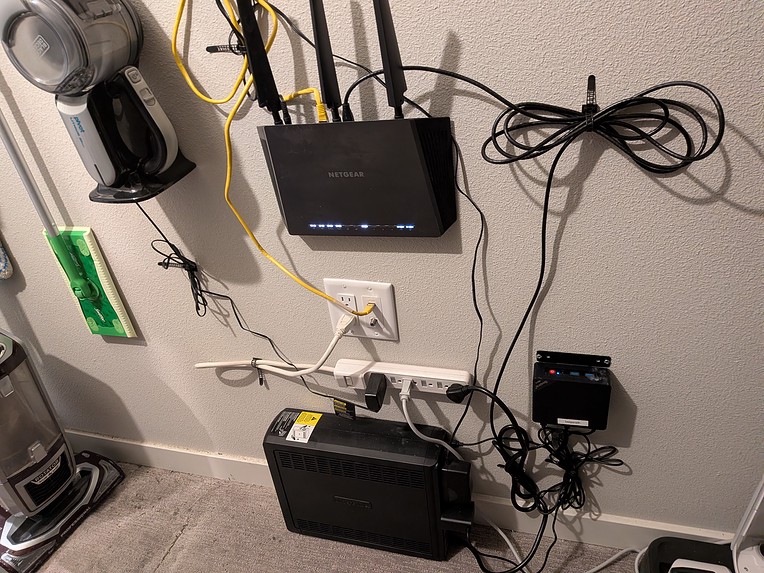
Last year, while we were visiting China, I experimented with running my own VPN server at home. It was on a Raspberry Pi, and it worked! I could connect from overseas and route my traffic through our internet connection in Oregon.
For a short visit, that was a pretty satisfying result. For a year abroad, though, I was considerably less enthusiastic about relying on it.
The problem wasn't that it didn't work
The Pi's entire hard drive was an SD card. I've used Raspberry Pis for plenty of things, but having my family's connection to the US depend on one little card surviving a year without me being able to walk over and fix it didn't seem like the best plan.
There were times last year when I could have used a path into the device to make some changes, I ran into issues with IPv6 addresses among other things, but didn't have the foresight to set up any sort of ssh path into the machine while I was away!
Even if I had set that up, there was another problem. If the VPN itself went down, how would I connect to the machine to fix it? My normal route into the server would be the very thing that had stopped working. I'd need some independent management access regardless of whether I kept the Pi.
So I started thinking about what I actually wanted: a primary server I could leave running for a year, a backup somewhere else, and a way to get into either machine when something went wrong. Ideally, I wouldn't need to call somebody in Oregon every time a process got confused.
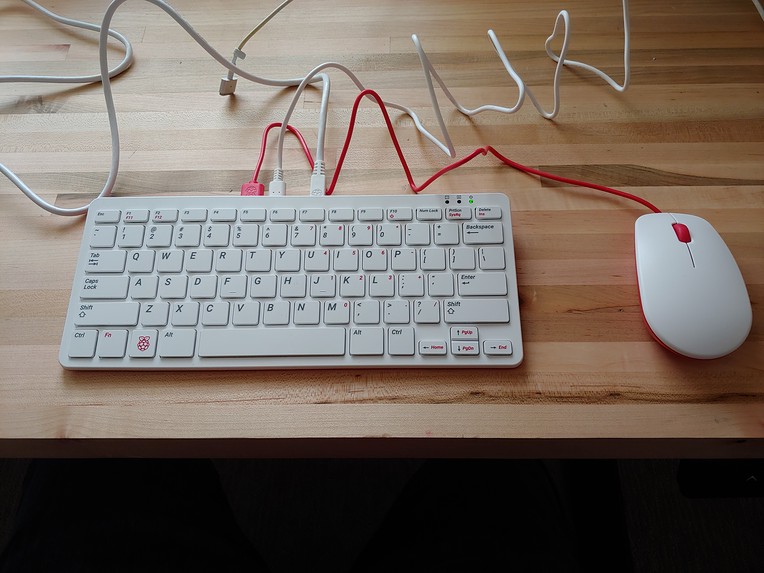
Enter the mini PC
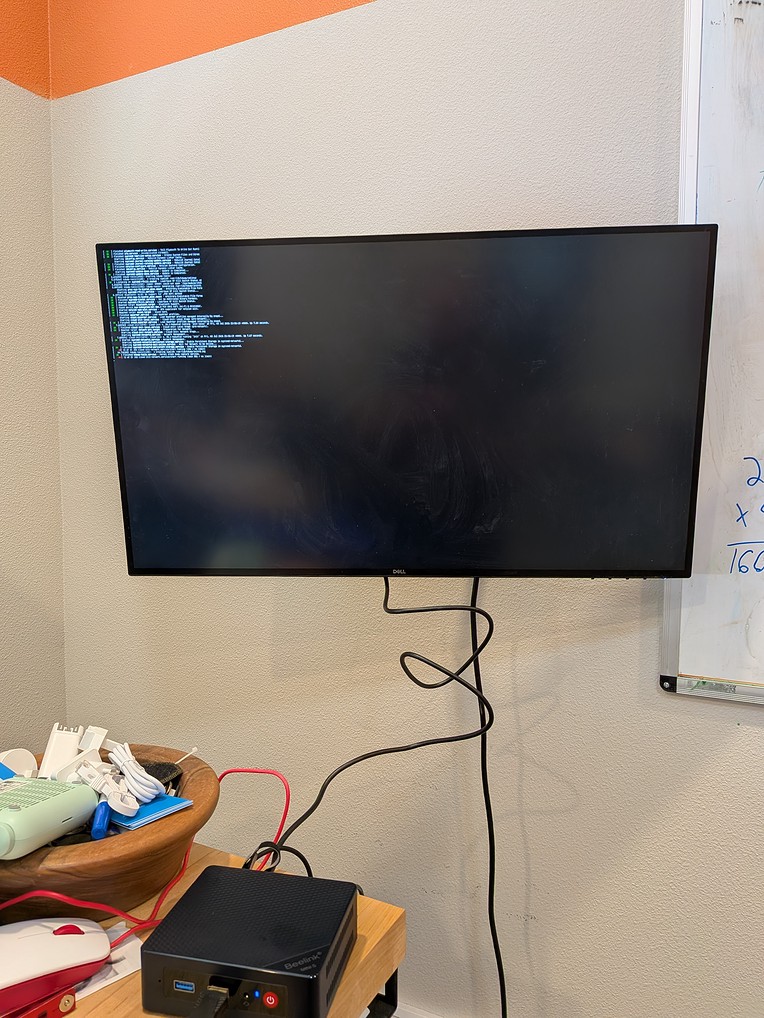
We looked at various small computers and networking appliances. I swung wildly back and forth between buying an overpriced, prebuilt device that just runs WireGuard and used PCs, and more powerful single-board computers like a more modern Raspberry Pi than the one I had already. I eventually settled on a Beelink mini PC with an SSD, enough memory to run a few services, and a modest power draw. It wasn't particularly expensive, and it was a lot more computer than WireGuard alone needed. One of its main benefits was it could get to our house in two days, and I was doing all this with only two weeks before our departure date! I definitely procrastinated this setup...
The plan was to put the new machine in our Oregon house as the primary VPN server. The old Raspberry Pi wasn't going in the trash. It could become the backup, running from my brother's house, so the two servers wouldn't depend on the same internet connection or electrical service.
Through all of this I had a friend of mine who runs his own homelab setup with WireGuard on it advising me! I can't thank him enough for all his help!
A way in when the VPN is broken
For emergency administration I added ZeroTier, a separate network I could use to SSH into the machines even if their normal WireGuard connections weren't working. ZeroTier wasn't magic, and it couldn't help if a machine was completely powered off or had no internet. But it gave me another way to reach a running machine without depending on the VPN I was trying to repair. This would prove useful later on a few times when updates I made remotely did take down WireGuard and require me to manually intervene over SSH!
I also had a friend in New York (the same friend advising me on this whole setup) who generously let me use their VPN endpoint as an additional emergency option. Between Oregon, my brother's house, and New York, I was starting to feel a lot more confident that my connection to everything I needed would remain stable as I moved to Hainan, China for a year with my family!
At this point, I could have configured the servers, written down the commands, and called the project finished.
Instead, on July 2, I started a Git repository called The Vale (I'll explain the name in a subsequent post). And, well, things escalated pretty quickly.
This is the first post in a series about building The Vale, my collection of home servers and tools. I'm writing these articles after the fact and dating them around the events they describe.